Algorithmic reverb
AvailableAOS Reverb
Give it space. Keep your money.
An algorithmic reverb with room, hall, plate, spring, chamber, and shimmer modes built for clear, controllable depth.
Available • Free download available now • Free download, no subscription
Overview
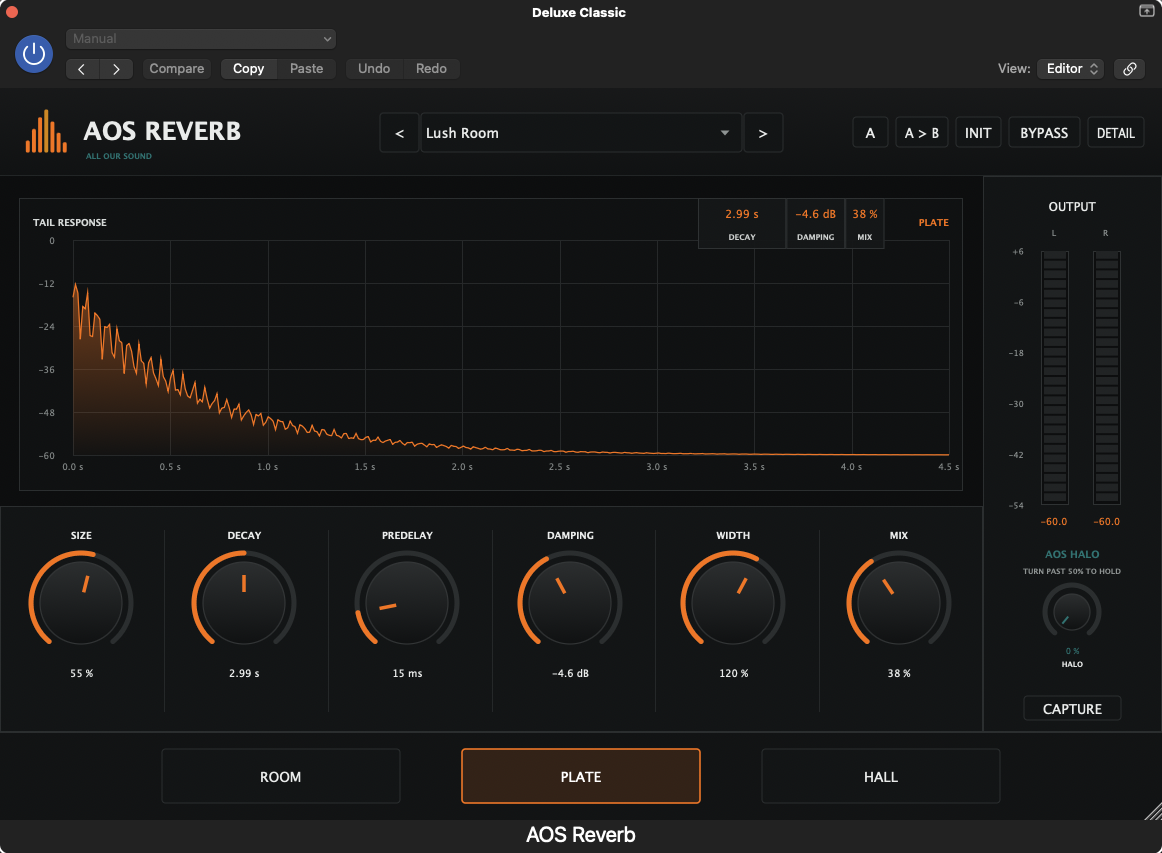
AOS Reverb is a six-mode algorithmic reverb designed around control rather than presets you can't fix. Size, decay, predelay, and damping shape the space, tilt filters keep the tail out of the way of the source, and ducking pulls the reverb back while the dry signal plays so mixes stay readable.
Demo
Screenshots
Features
- Six reverb modes: room, hall, plate, spring, chamber, shimmer
- Size, decay, predelay, damping, width, and mix controls
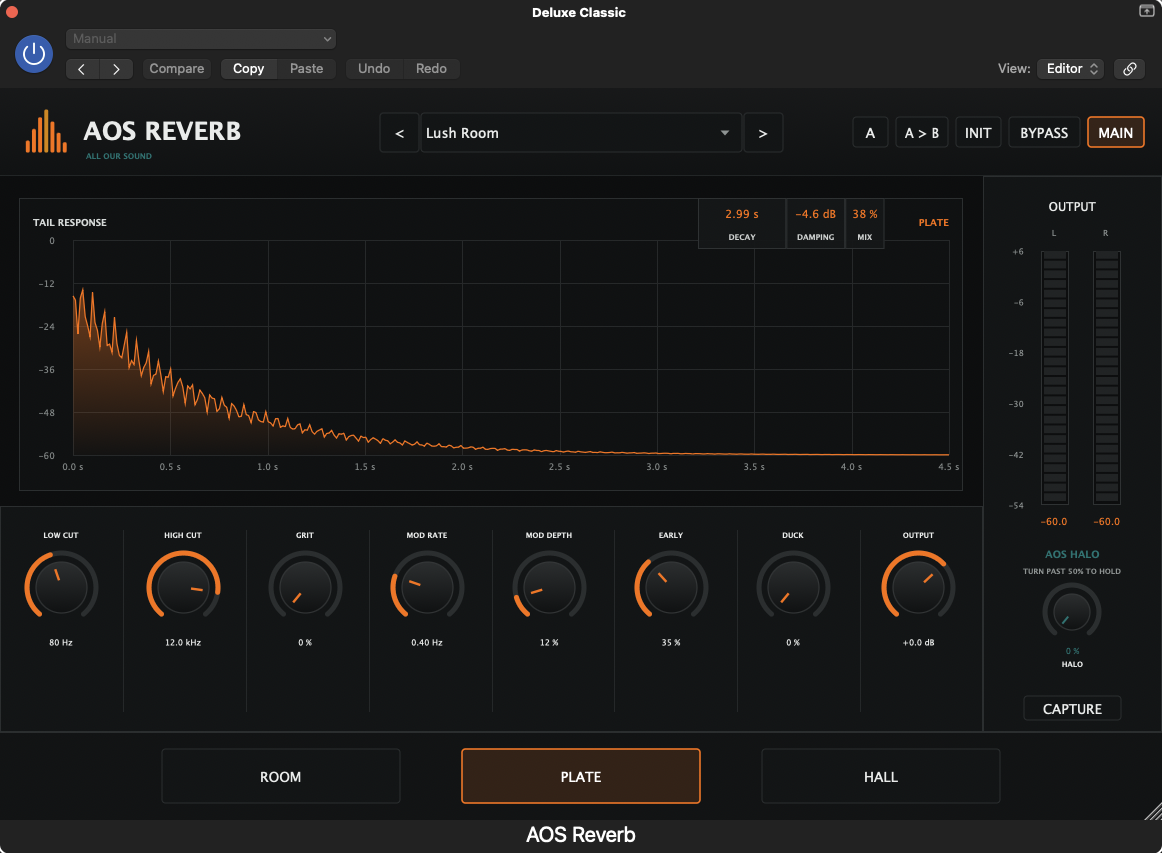
- Low-cut and high-cut tail filters with HF damping
- Ducking to keep the dry source in front of the tail
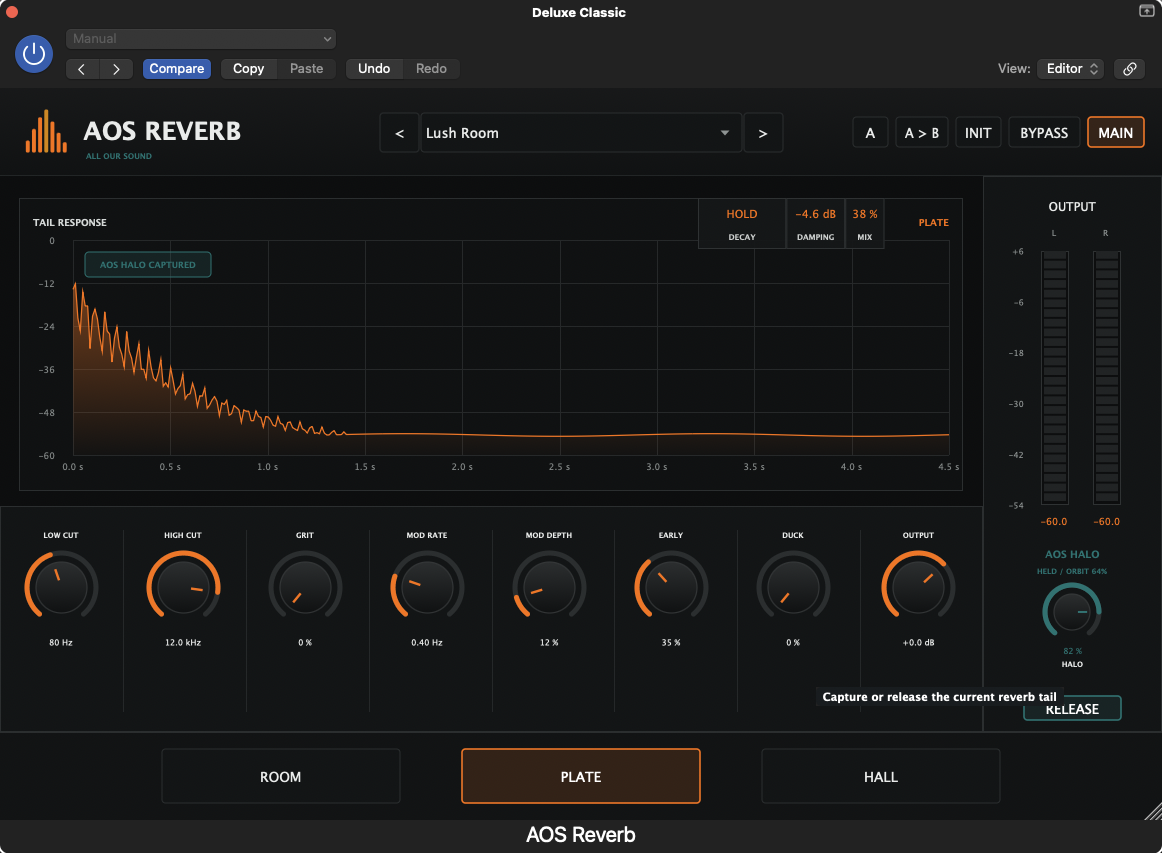
- Freeze for infinite sustained pads and textures
- Mono-to-stereo aware width with correlation-safe imaging
- Production-ready presets for vocals, drums, keys, and guitars
Installation
- 1Download the zip for your platform and format, then extract it.
- 2Drag the extracted plugin file into the correct folder for your DAW format.
- 3macOS AU: place the .component file in ~/Library/Audio/Plug-Ins/Components/
- 4macOS VST3: place the .vst3 file in ~/Library/Audio/Plug-Ins/VST3/
- 5Windows VST3: place the .vst3 file in C:\Program Files\Common Files\VST3\
- 6Restart your DAW and rescan plugins if needed.
- 7Find AOS Reverb under the All Our Sound manufacturer folder.
How to use
- Set predelay first — it separates the source from the tail before anything else.
- Use the high-cut to darken the tail instead of turning the mix down.
- Send-based reverb on a bus beats an instance per track for CPU and cohesion.
- Turn on ducking on vocals so the tail blooms between phrases, not under them.
Free course
Reverb & Space
A free AOS Academy course on depth, predelay, decay, and using space without washing out a mix — taught with AOS Reverb.
Documentation
Release notes
v1.0 · Initial release
- Six-mode reverb engine
- Ducking and freeze
- Tail filters and preset browser
License
Free for personal and commercial use. Redistribution of the installer is allowed with attribution. No subscription, no account, no telemetry.
Support / report a bug
Support
Help keep creative tools free.
AOS resources are made possible through grants, sponsors, and people who believe creators deserve access to professional tools and knowledge. Free access still requires paid work: artist fees, development, hosting, documentation, and music production.
Your support helps fund development, testing, documentation, music production, education, and distribution.